A distraction blocker
you need a physical key
to turn off.
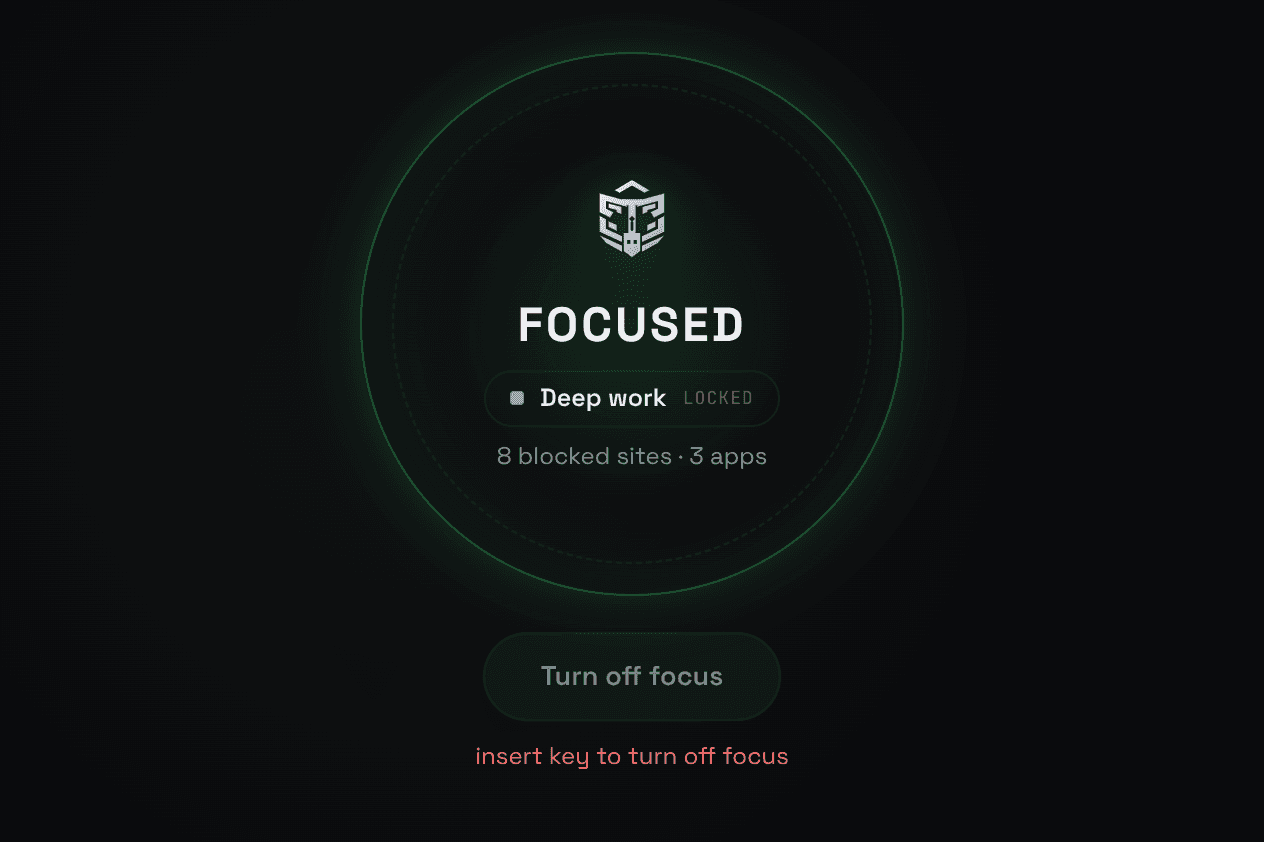
Talysman is a distraction blocker you can only turn off when a physical usb key is inserted. Pair any USB drive you own and then you can only turn off focus mode when that key is inserted.
- Free forever
- Use any USB drive
- Windows, macOS & Linux
Wonderfully simple, surprisingly robust
How It Works
Getting started with Talysman takes just a few clicks.
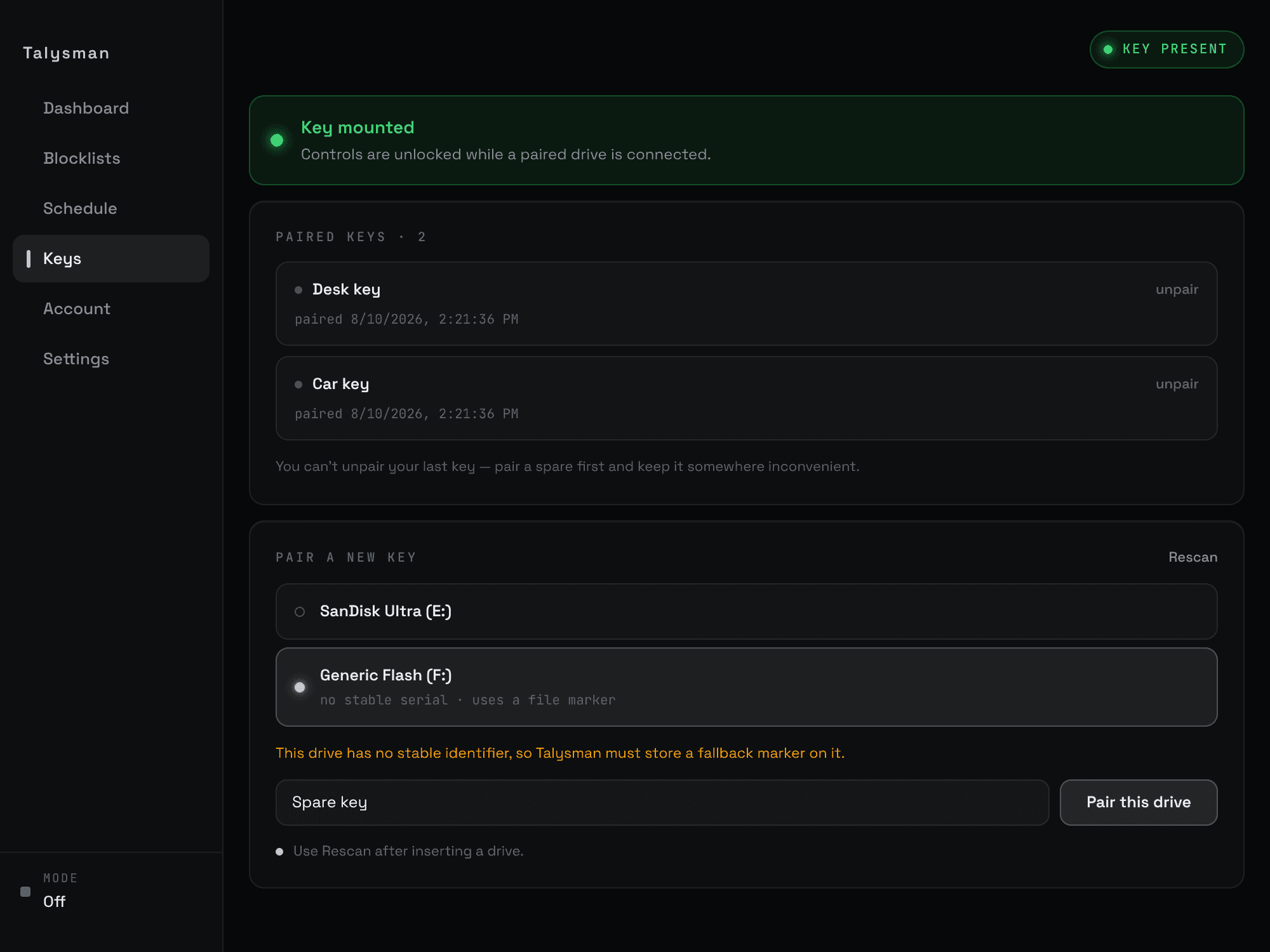
Pair any USB drive
Install Talysman and pair any USB drive you already own
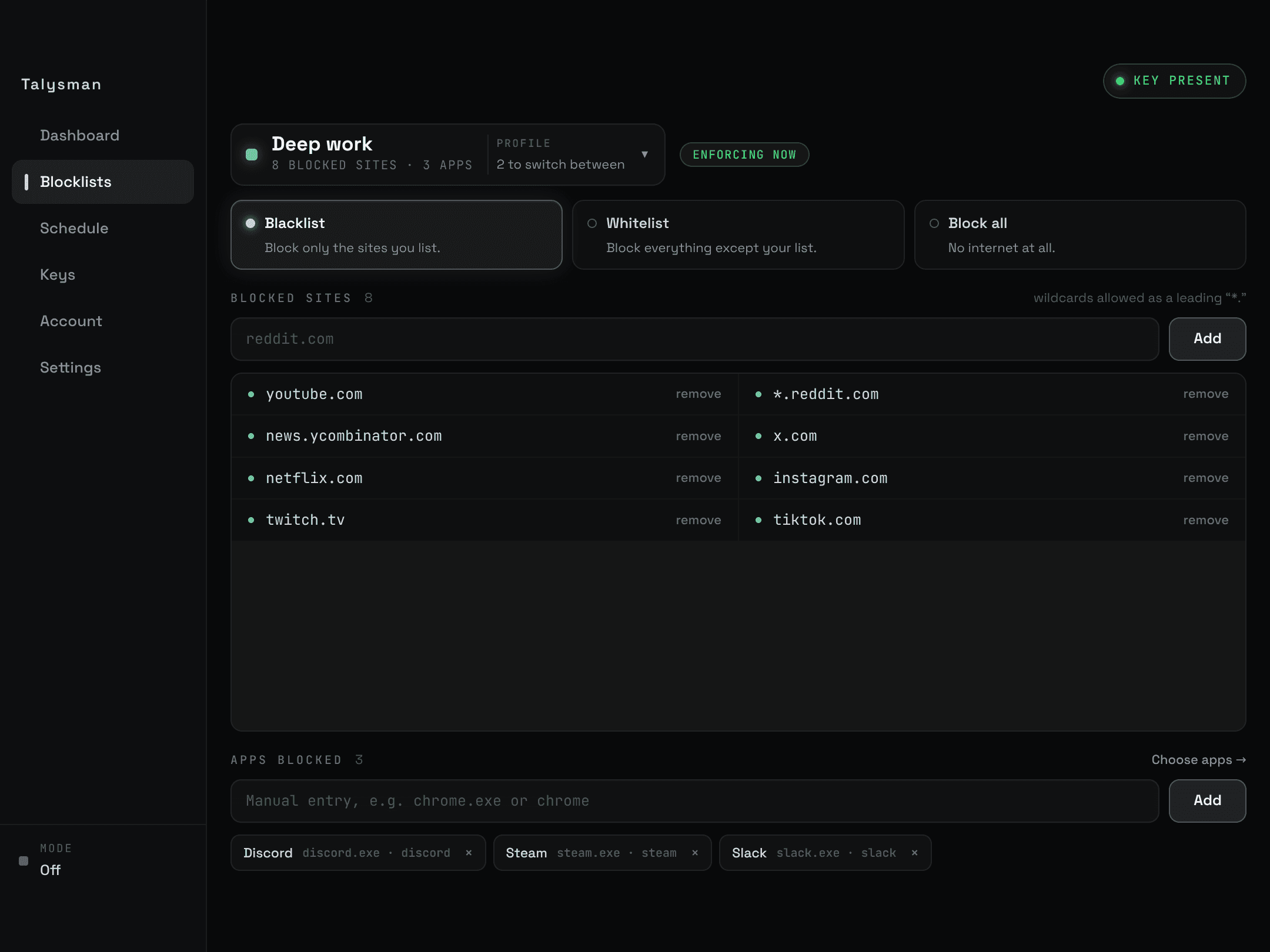
Choose what gets blocked
Block distracting websites, and apps.
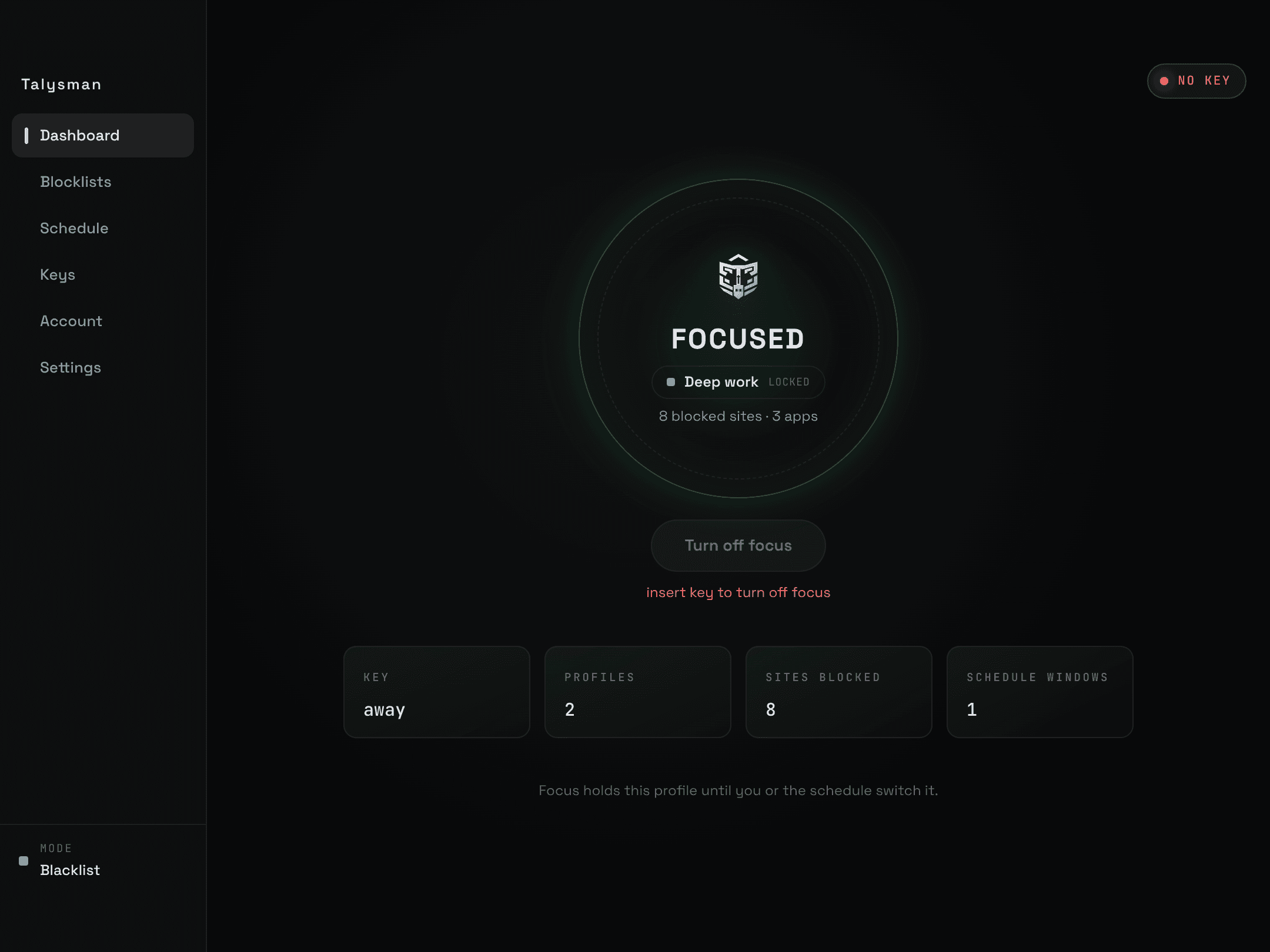
Unplug the key
Put it in another room, a drawer, your car. No key, no unlock — even if you close the app or restart your computer.
It will be different this time
Why It Works
- Talysman separates the off switch from the distracting device
- You put the key in another room
- Now there's just enough friction that you don't automatically unblock when the urge hits
- This really does make a difference. Try it
- Every other blocker
- The urge hits
- Click “End session”
- The afternoon is gone
- Talysman
- The urge hits
- Get up and go get the key
- Decide whether you meant it
Blocking your most distracting sites will always be free
- Blocking up to 5 websites will be free forever.
- Block Reddit, YouTube, or whatever else steals your attention
- When you're convinced it works, upgrade to Pro to get unlimited sites and pre-made lists.
Free, forever
5 blocked websites, allow-only and block-all modes, manual focus sessions, and the key requirement to end one early.
Pro
Unlimited sites, pre-made blocklists, recurring schedules, and unlimited profiles
No hidden catches
Frequently asked questions
Can I use any USB drive?
Yes — a standard drive you already own. Nothing to buy, nothing to ship.
You can pair as many drives as you like. Any one of them unlocks, which is also the answer to losing one — pair a spare now and keep it somewhere safe.
Can't I just quit the app, restart, or uninstall during a session?
No. Closing the app changes nothing. The service restarts itself if it is killed, comes back after a reboot with the session intact, and the uninstaller refuses to remove it while focus is active unless a paired key is present.
Does Talysman see or store my browsing history?
No — Talysman works by setting up rules that the browser has to follow. Your history stays between you and your browser.
Your blocklist stays on your computer. Details are in the extension privacy policy and the main privacy policy.
Can one key work across multiple computers?
Yes. Pair the same drive on each machine you install Talysman on. Each computer keeps its own list of paired keys, so one drive can unlock your laptop and your desktop.
What does it cost?
Free covers 5 blocked websites and unlimited manual focus sessions, with no card and no time limit. Pro is $4.99/month or $49.99/year at the early adopter price (usually $10/mo or $100/year), and adds app blocking, recurring schedules, unlimited sites and unlimited profiles. New accounts get 14 days of Pro free — see pricing.
Which computers and browsers are supported?
Windows 10 and 11, macOS on Apple Silicon and Intel, and Debian/Ubuntu Linux, with extensions for Chrome and Firefox. See the downloads.
The next hard task is coming
Put the off switch in another room.
Use a USB drive you already own. Your first locked focus session is free.
Download Talysman freeFree forever, no card. Want schedules and app blocking? Try Pro free for 14 days.